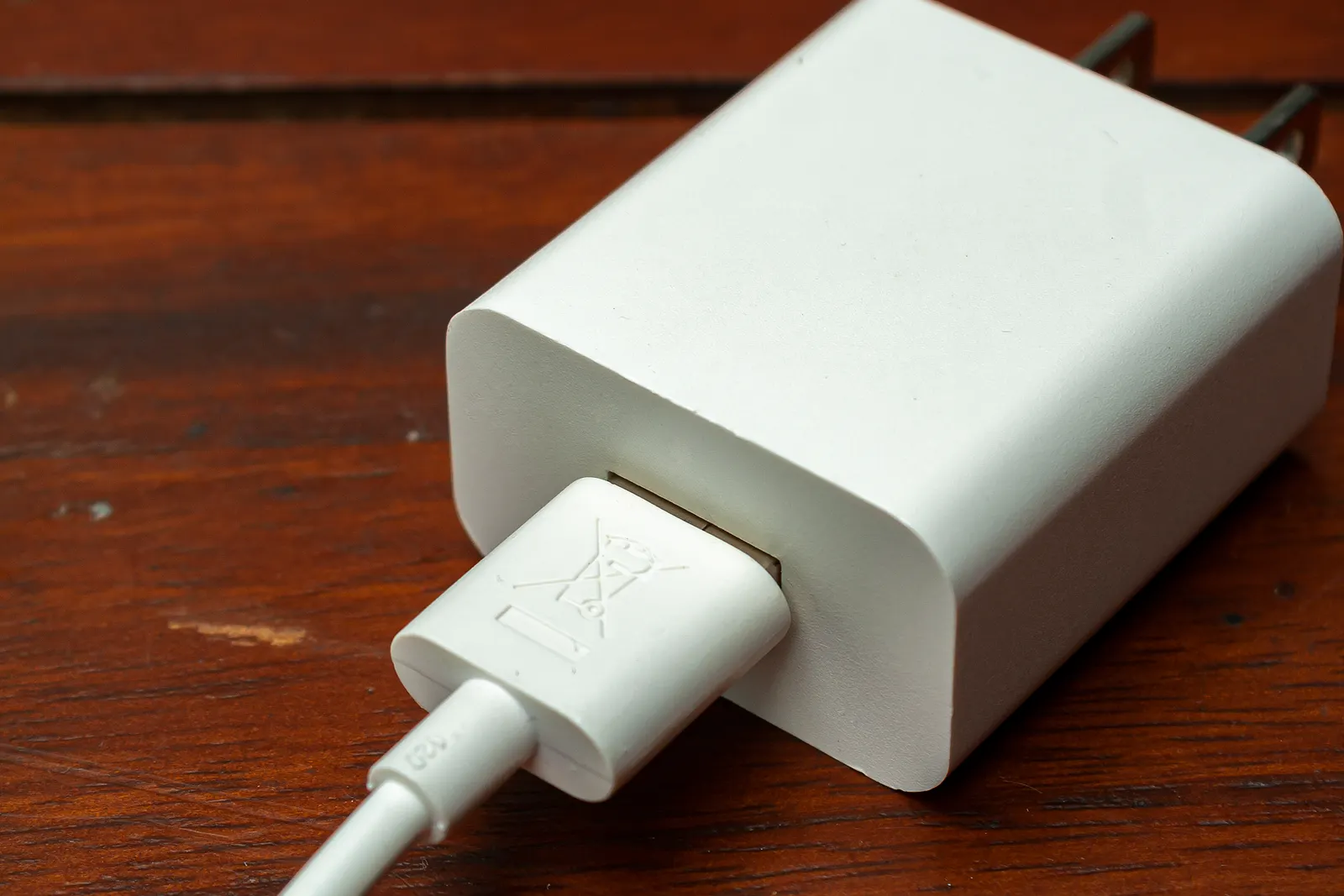
USB-C was supposed to end cable confusion. Instead, the connector became universal while the capabilities behind it stayed invisible: two physically identical cables can differ by a factor of ten in data speed and by more than a factor of three in charging power.
This guide separates the three jobs a USB-C cable or hub can do — charging, data and video — and explains how to buy for the one you actually need. Everything here is based on published specifications and the USB and VESA standards; we have not run throughput tests.

Job one: charging
Charging is limited by the weakest link in a chain of three: charger, cable and device.
- Charger negotiates the voltage and current profile with the device (USB Power Delivery).
- Cable must be rated for the current. Above the 3A class — that is roughly the 60W threshold — cables normally contain an e-marker chip that advertises their capability.
- Device decides how much it will actually accept. A phone will not draw 140W because a big charger is attached.
Practical rule: buy one cable rated well above what your laptop needs, and keep it for the laptop. Cheap cables can go in the phone bag.
Job two: data
Data bandwidth is entirely separate from charging capability. The common ratings you will see are USB 2.0 (480Mbps), USB 3.2 Gen 1 (5Gbps), Gen 2 (10Gbps), 20Gbps USB 3.2 variants, and USB4/Thunderbolt at 40Gbps. A thick, well-built charging cable may still be a 480Mbps data cable.
If you transfer large files, edit video from an external SSD or clone drives, check the data rating. If you only charge, ignore it.
Job three: video
This is where most desks get into trouble. A USB-C port can only drive a display if it supports DisplayPort alt mode. Some laptops route video exclusively through a full-size HDMI port; some budget USB-C ports are data-and-power only.
Two consequences:
- No hub or adapter can conjure video from a port that does not support it.
- Multi-monitor setups usually need Thunderbolt or USB4 on both ends — or a DisplayLink-style dock that compresses video in software.
The four picks
Anker 765 USB-C to USB-C Cable
A cable rated for high-wattage charging with a braided jacket that survives bag life. The specification that matters is the wattage rating, printed by the manufacturer rather than guessed from the connector.
Why it works
- Rated for the wattage large laptops need
- Durable braided construction
- Available in a length that suits a desk and a bag
What to weigh up
- Not a Thunderbolt or USB4 data cable - check the data rating if you need one
- Costs more than an unbranded cable
Where else to look
- Best BuyCheck current price
- B&H Photo VideoCheck current price
- WalmartCheck current price
- NeweggCheck current price
Specifications in this card come from the manufacturer's published material — see the sources list at the end of this guide. We do not publish prices because they change weekly.
A high-wattage charging cable with a braided jacket: the one to keep with the laptop so the charger always delivers full speed.
Belkin BoostCharge Pro USB-C Cable
A well-built charging cable with a warranty that outlasts most unbranded options. It is a charging cable first: for docks and drives, choose a USB4-certified one instead.
Why it works
- Reliable for everyday charging
- Warranty and construction better than cheap generic cables
- Available in short travel-friendly lengths
What to weigh up
- Data bandwidth is limited compared with USB4 cables
- Not the cheapest option
Where else to look
- Best BuyCheck current price
- B&H Photo VideoCheck current price
- WalmartCheck current price
- NeweggCheck current price
Specifications in this card come from the manufacturer's published material — see the sources list at the end of this guide. We do not publish prices because they change weekly.
A dependable everyday charging cable with a multi-year warranty — the spare in the bag and the one at the desk.
Cable Matters USB4 40Gbps Cable
A certified high-bandwidth cable for docks, displays and fast storage. Most cables supplied in the box are charge-focused; this is the one that carries data at full speed reliably.
Why it works
- Full-bandwidth data for docks and drives
- Certified, which reduces the random disconnects cheap cables cause
- Longer lengths available for desk routing
What to weigh up
- Overkill and overpriced for charging a phone
- Stiffer than charge-focused cables
Where else to look
- Best BuyCheck current price
- B&H Photo VideoCheck current price
- WalmartCheck current price
- NeweggCheck current price
Specifications in this card come from the manufacturer's published material — see the sources list at the end of this guide. We do not publish prices because they change weekly.
The 40Gbps cable for docks, external SSDs and high-resolution displays. If a dock or drive is dropping out on a cheap cable, this is usually the fix.
Anker 555 USB-C Hub (8-in-1)
The accessory most modern laptops actually need: it restores the ports that were removed, without a power brick of its own.
Why it works
- Small enough to live in a laptop sleeve
- Covers the most common missing ports in one piece
- Pass-through charging means one wall adapter still works
What to weigh up
- Pass-through charging reduces the wattage your laptop receives
- Not a replacement for a powered dock with dual displays
Where else to look
- Best BuyCheck current price
- B&H Photo VideoCheck current price
- WalmartCheck current price
- NeweggCheck current price
Specifications in this card come from the manufacturer's published material — see the sources list at the end of this guide. We do not publish prices because they change weekly.
The bag-sized hub that restores HDMI, USB-A and card readers to a two-port laptop, with pass-through charging so one wall adapter still works.
What each cable class is for
| Need | Look for | What to avoid |
|---|---|---|
| Charging a thin laptop | Cable rated 65W or more | Unrated cables from a drawer |
| Charging a large laptop | Cable rated 100W+ with e-marker | Cables rated only for phones |
| External SSD work | USB 3.2 Gen 2 (10Gbps) or USB4 | Charge-focused cables |
| Dock or high-res display | USB4/Thunderbolt certified, 40Gbps | “USB-C 3.1” with no speed stated |
| Single portable monitor | Hub with DisplayPort alt mode support | Hubs that list HDMI only for docked use |
| Dual monitors | Thunderbolt/USB4, or a DisplayLink dock | Passive hubs promising two displays |
Why hubs drop out
Bandwidth and power are shared. A hub takes one upstream connection and splits it between every attached device, and a bus-powered hub can only pass on so much current. Add a spinning or fast SSD, a webcam, a card reader and a monitor, and you have exceeded what a $20 hub can deliver — hence the classic symptom of everything working until the drive spins up.
Solutions, in order of preference: use a powered hub or dock; move the high-bandwidth device to a direct port on the laptop; use a shorter, certified cable between hub and laptop; and avoid stacking hubs.
What to skip
- Cheap multi-port hubs with four or more USB-A ports and no power input. They will brown out under load.
- Adapters marketed as “4K 60Hz” without stating which protocol they use over USB-C. Assume DisplayPort alt mode is required and verify on the laptop side.
- Buying one expensive cable for everything. Two affordable, correctly rated cables — one charge-focused, one data-focused — cost less and work better.